
Introduction with an image (Hero)

This is "Island" in the reliable theme. Here is an introductory text for the chapter and a description of the content it has to offer.
Option for two links here. The first must be a "Call to Action" button for an application form or similar. Remember to use descriptive text in links for better Google search results.
Guide without links (Extra Links)
Island block with illustrations (Island Text & Image)
Here you can choose whether an illustration appears on the left or on the right.
We want no frills in this unit. We use only plain text and links at the bottom.
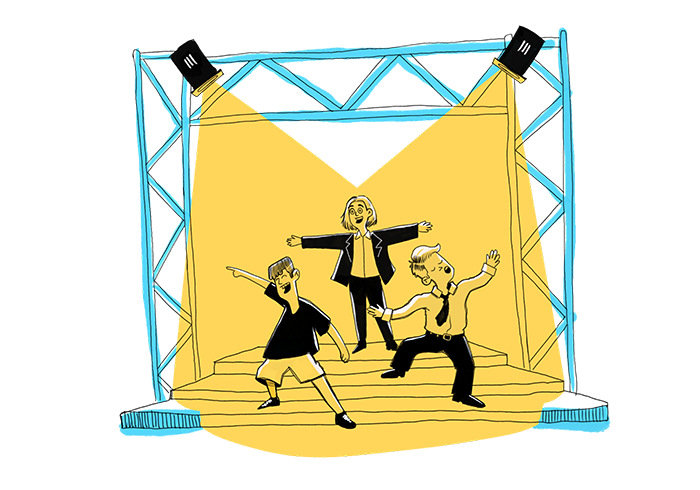
Text block with vector (Island vector image + text)
Here you can choose whether a vector appears left or right. Let the location depend on the location of the image above. You can also select two text boxes.


Text block with vector (Island vector image + text)
Although the module is called "text block with vector", it is not necessary to select a vector image. It is also possible to have two text boxes as can be seen here.
Text block with vector (Island vector image + text)
It's a good idea to use two text boxes if you need to insert longer text and if there are already too many illustrations on the page.